
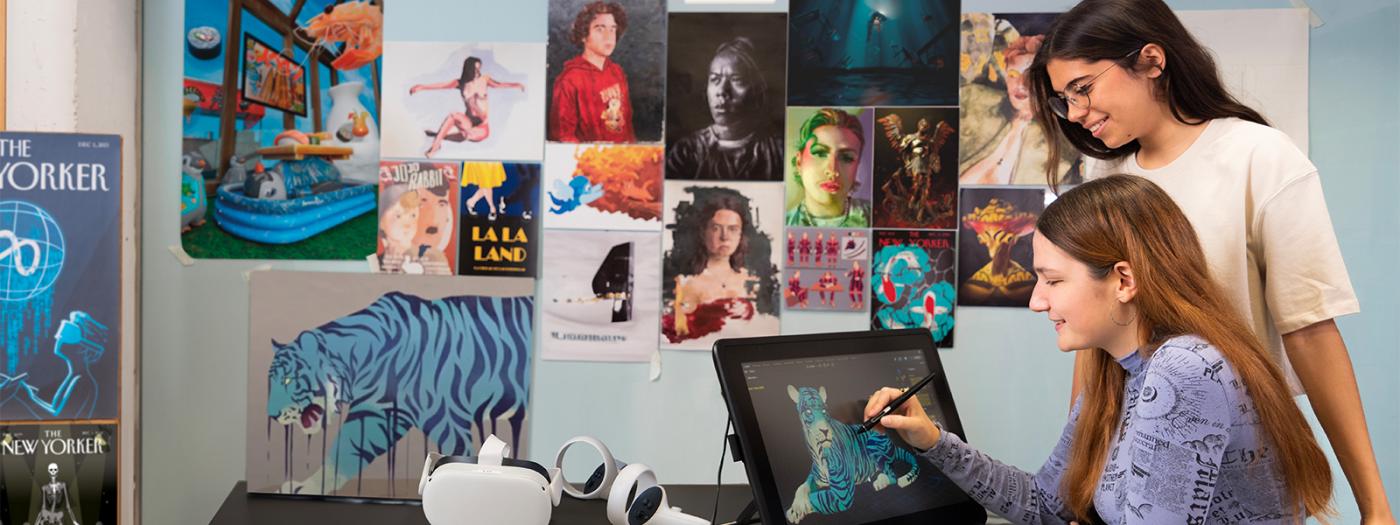
Nowadays, the skillset required to become a professional Concept Artists isn’t a short list: taste, technical mastery of drawing and design, stylistic consistency and, above all, a great capacity to develop varied proposals with speed and efficiency are required. 3D software is an essential resource as a technical crutch or as a tool to accelerate the process and materialize artistic visions quickly. The theoretical foundations and practical knowledge necessary to plan, develop and polish 3D images will be acquired through prompted projects. Experimentation is encouraged to find the method that blends 2D and 3D techniques in a way that best fits the student's style, skills and creative process.
Basic knowledge of Blender and Photoshop is required.
Provide students with the technical vocabulary and practical knowledge of Blender necessary to make the resources offered by the wide user community accessible and familiar, making long-term technical growth possible. Offer a solid technical foundation and guidance to implement the tool into their conceptual development process. Facilitate a smooth transition from 2D to 3D, preserving the organic quality and personality of their line work in the model while maximizing the potential of 3D and photobashing resources. Throughout the process, reinforce prior knowledge of proportion, color, appeal, and design as applied to class projects.
Topic 1. Blender Overview: Workspaces, Keyboard Shortcuts, and General Settings.
Topic 2. Modeling Fundamentals: NURBS, Box Modeling, and Modifiers.
Topic 3. Procedural Modeling, Scatters, and Arrays.
Topic 4. UVs, Basic Textures, and Procedural Textures: When and How to Use Them.
Topic 5. Lighting, Rendering, and Overpainting for Props.
Topic 6. Scene Lighting, Color Keys, and Render Passes for Photobashing.
Topic 7. Grease Pencil.
It works through different active teaching methodologies, mainly in project-based learning. Although there are lectures, demonstrations and practicals predominate; the latter carried out by the students individually with the supervision and continuous feedback from the teacher. In the projects, the students' creativity collides with technical limitations, which take them out of their comfort zone. In this process, students must solve more complex situations by combining different techniques. It also allows the teacher to work with the student in an individualized way, supporting more specific indications and resources based on personal interests and objectives.
At the beginning of each session, the theoretical-practical part is covered so that the students have the necessary knowledge and tools for the different stages of each project and reach the new objectives. Didactic activities are offered with specific material so that students can familiarize themselves with the different aspects of Blender through practice and experience. Then, the pending questions from the previous practice or session are resolved.
MD 0: Master Class with audiovisual material support.
MD 5: Self Paced Learning.
MD 6: Learning based on projects.
In order to evaluate whether the students have reached the objectives of the subject, different continuous evaluation activities are used, both follow-up exercises in class and more complex projects that extend over several sessions and checkpoints.
The fundamental purpose of this approach is to make it easier for students to maintain constant progress throughout the course, promoting the gradual acquisition of content and the consolidation of effective work habits. Likewise, this system makes it possible to assess in a more balanced way the trajectory and evolution of academic performance, avoiding that the qualification depends exclusively on a single task or specific circumstances that may affect performance at a specific moment.
The evaluation board will apply the regulations, assessing the student's progress and academic performance.
Yoshida, S. Casas con historias: El arte de Seiji Yoshida.
Preiss, B. Art of Moebius.
Brommer, G. F. Elements and principles of design: Student guide with activities.
21 Draw. The Character Designer.
It will be provided in class if necessary.